Home › Unity tools › zFPS
zFPS - Measure Fps And Ticks
Drag-and-drop frames-per-second and ticks-per-frame display with a configurable sampling interval. Auto-scaling 4K canvas. Free.
On the Asset Store Version 1.1.

What it does
Drop the zFPS_MeasureFpsAndTicks prefab into a scene or a prefab and you have a live FPS readout plus the number of fixed-update ticks between frames, which is the number that tells you whether your physics is keeping up.
One setting: the sampling interval. Short for an instant view of frame drops, longer for a stable average; the default of 0.25 seconds updates four times a second. The canvas is authored for 4K and scales to keep its aspect at 1080p and other resolutions.
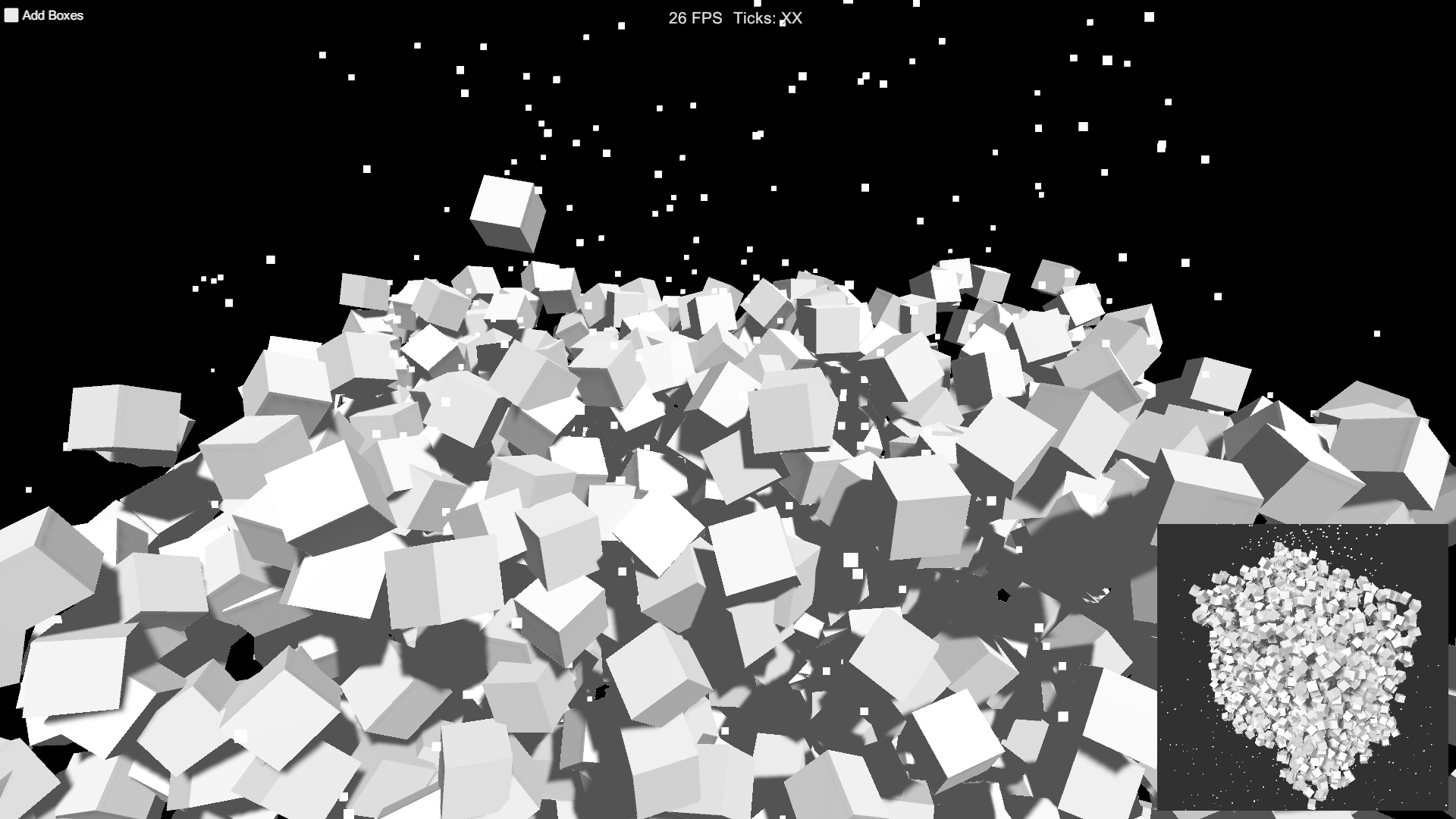
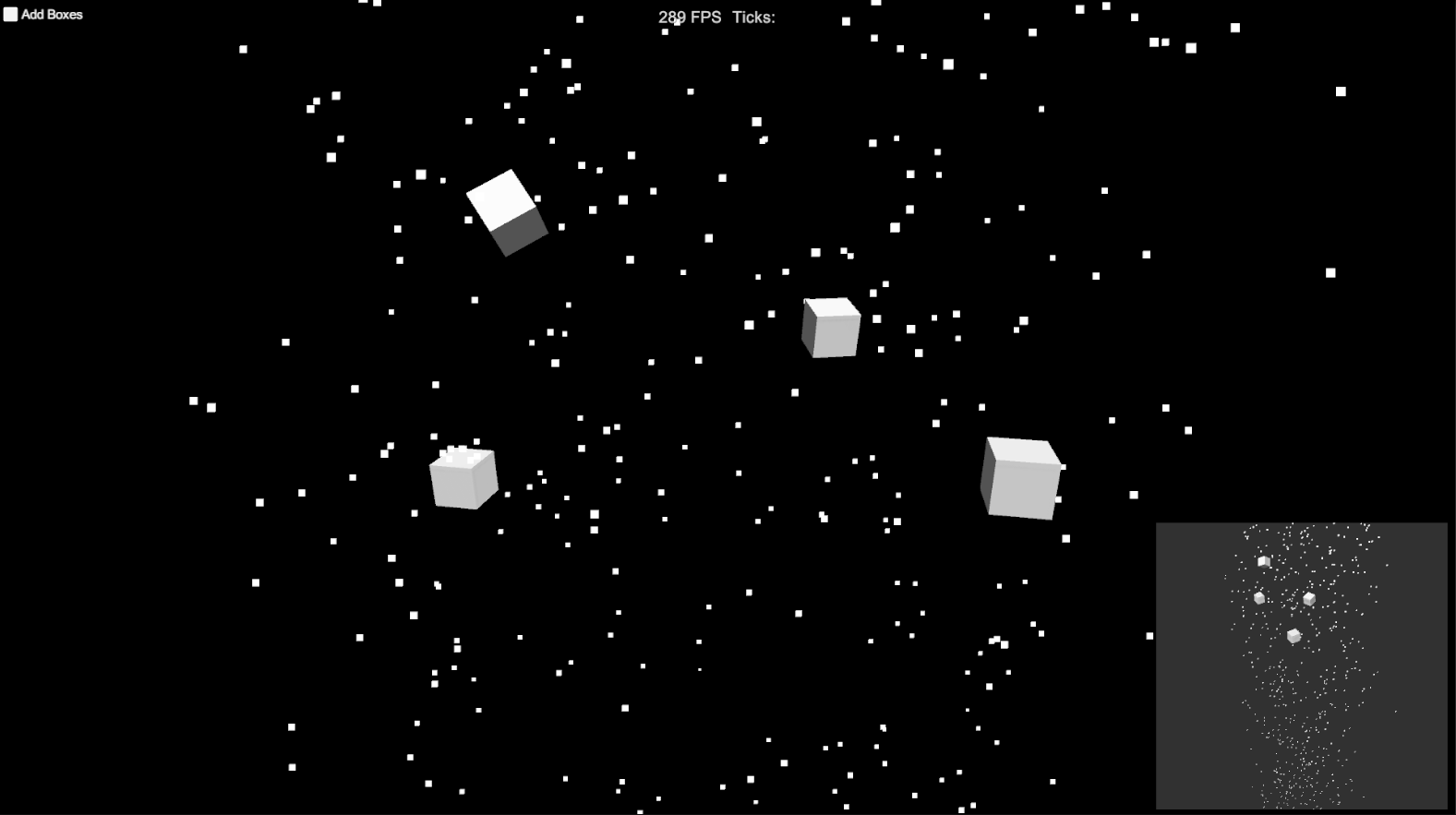
The demo scene spawns boxes until performance drops, so you can see the readout react.
Need history, min/max/average and a graph? See zFPS Pro.
Key features
- FPS and ticks per frame, live
- Configurable sampling interval
- Auto-scaling canvas (4K authored)
- One prefab, no code required
- Built-in, URP and HDRP compatible
Screenshots
Technical details
C# and uGUI, one prefab, source included. Unity 6.3 LTS (6000.3) and newer. No dependencies.
| Built-in RP | URP | HDRP | Minimum Unity | Price |
|---|---|---|---|---|
| yes | yes | yes | 6000.3 | Free |
Release notes
1.1 2026-10
- Built and verified on Unity 6.3 LTS (6000.3). Minimum Unity version is now 6000.3.
- Project dependencies cleaned up (TextMesh Pro is no longer a separate package).
- Documentation PDF refreshed (version 1.1, support links updated); this changelog added.
- No API changes. Existing integrations keep working.
1.0 2023-01
- Initial release on Unity 2020.3.
Documentation and support
- Documentation (PDF), the manual that ships inside the package
- Questions and bug reports: community forum or Discord
- E-mail: contact@digitalsoftware.se
- Asset Store listing
Other packages from Digital Software
- zFPS Pro
- Static State Auditor (coming soon)
- Static State Auditor Pro (coming soon)
- Ship It (coming soon)
- Dedicated Server Build Button (coming soon)
- Bug Capsule (coming soon)
- zCache
- Fast RTS Minimap
- zASCII
Page generated 2026-10-29 from the package's store copy and changelog (version 1.1).