Home › Unity tools › zFPS Pro
zFPS Pro - Measure Fps And Ticks
Everything in zFPS plus a live histogram of FPS and ticks over time with min, max and average, stored in a zero-garbage ring buffer. For finding the stutter, not just seeing it.
On the Asset Store Version 1.1.

What it does
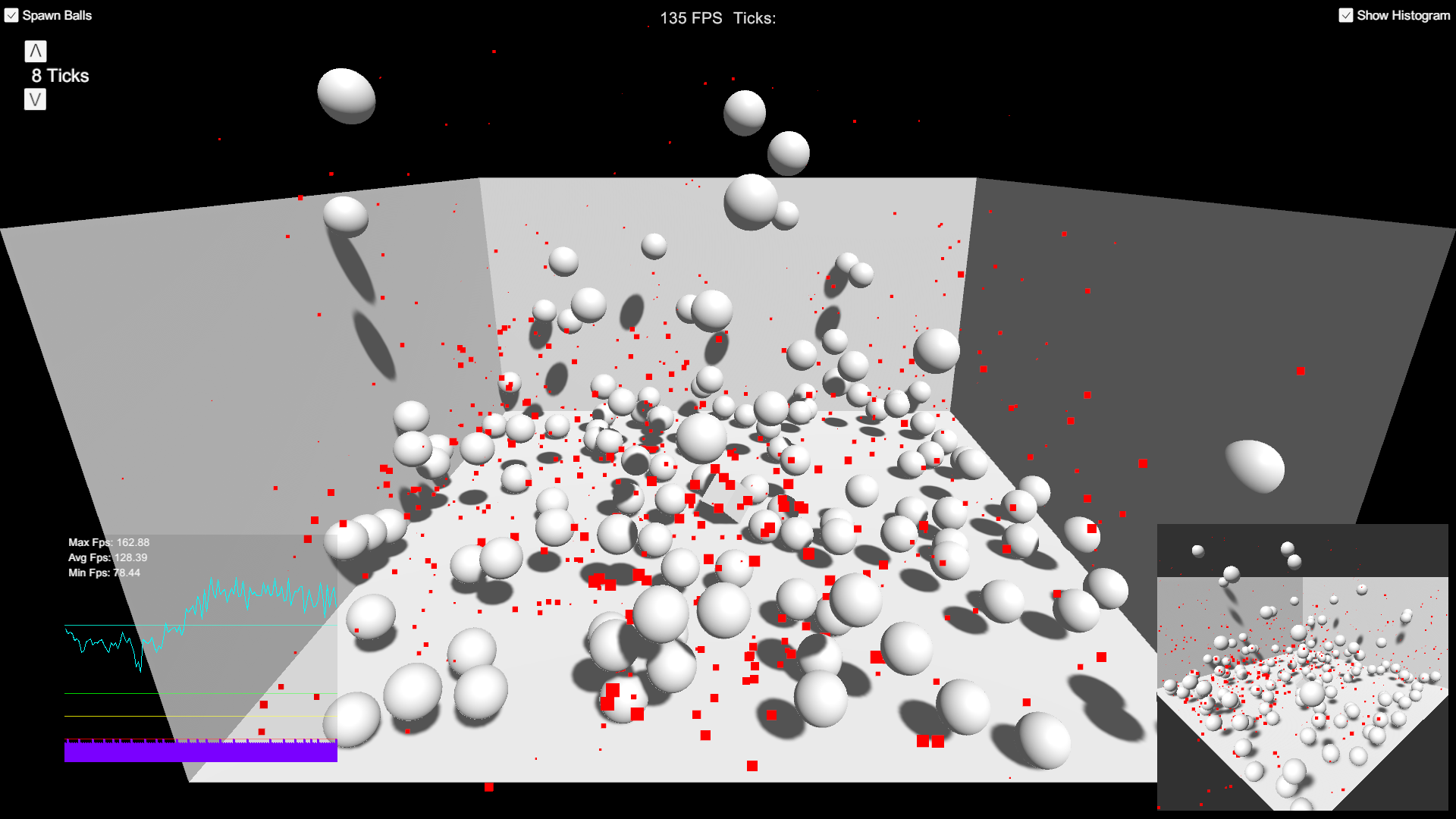
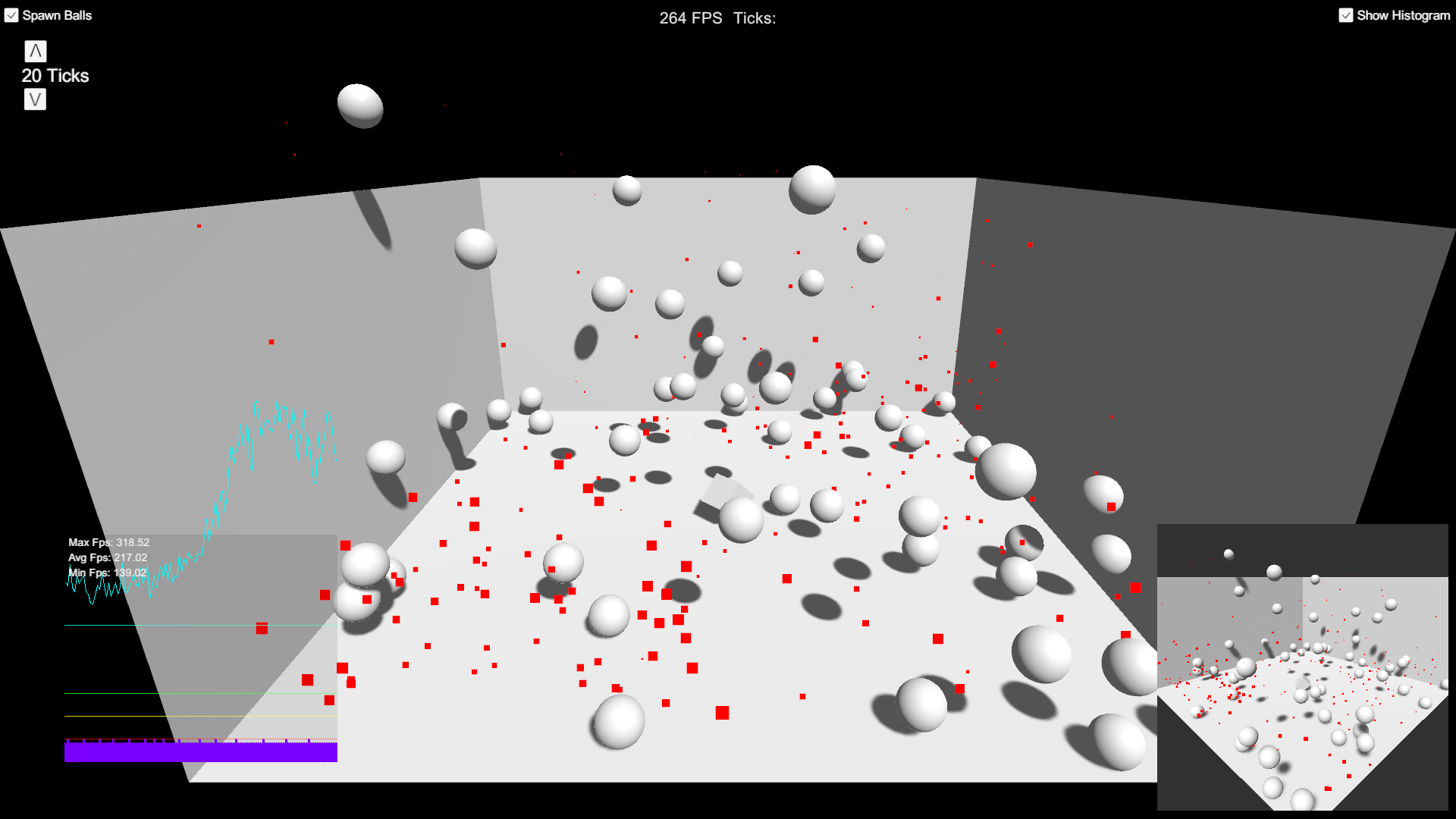
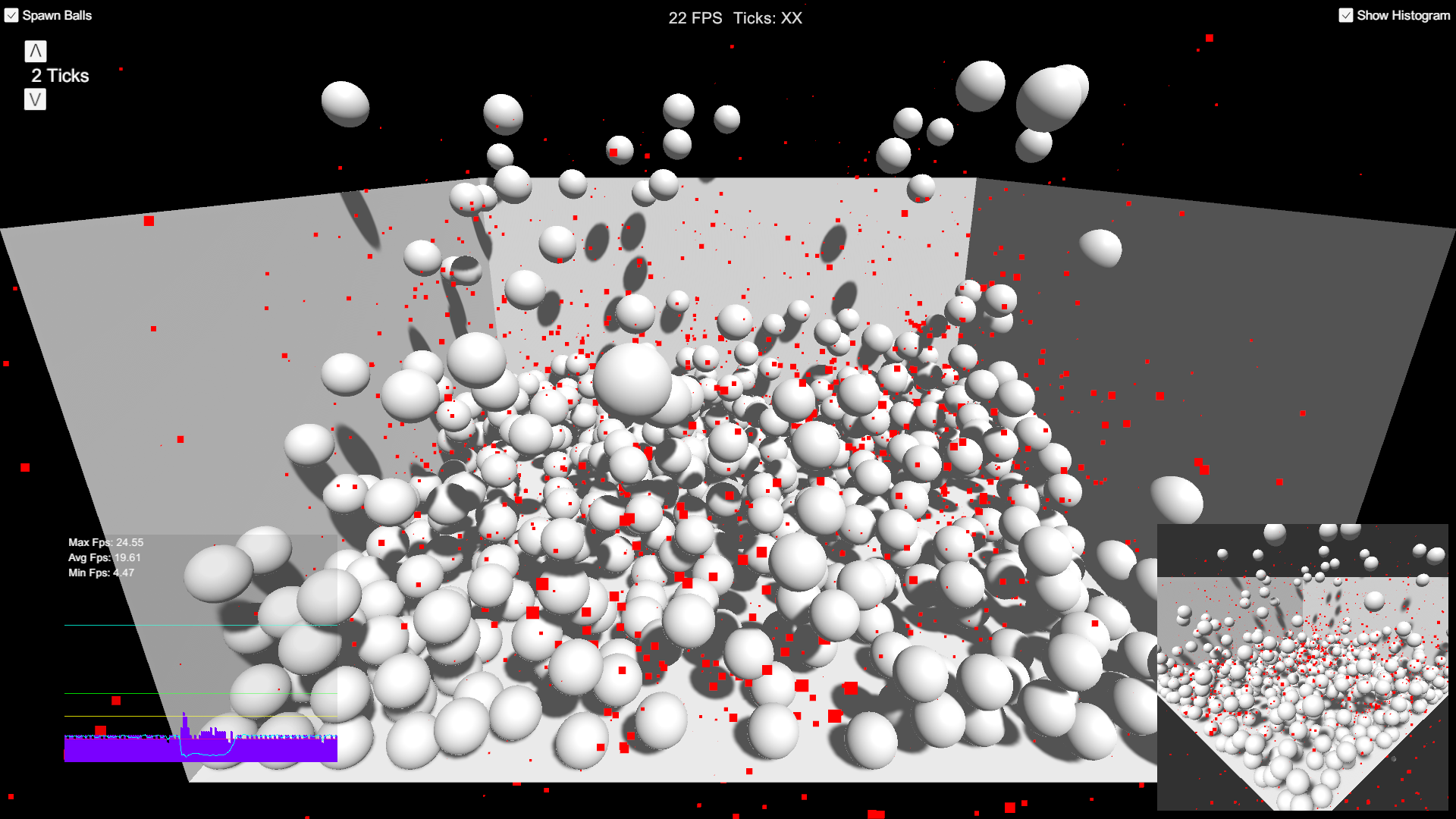
zFPS Pro adds the thing the free readout cannot give you: history. A live histogram shows frames per second and fixed-update ticks over any number of time segments, with minimum, maximum and average for the period, so a stutter that lasted a quarter of a second is still visible ten seconds later.
The recording costs nothing in garbage: frame averages, time spent and tick counts per slice are kept in a custom lightweight ring buffer, so the profiler stays honest while you measure.
Settings on the prefab: sampling interval; Show Histogram (or call EnableHistogram() from code); Number Of Time Segments, which sets the graph's horizontal resolution and is fixed at start-up to stay allocation-free; Draw Tick Sum to toggle the tick bars at runtime in the editor.
The demo scene spawns exploding balls at a chosen tick interval so you can watch the graph react to real physics load.
Key features
- Everything in zFPS
- Histogram of FPS and ticks over time, min/max/average per period
- Zero-GC data recording via a ring buffer
- Histogram toggle from the inspector or code
- Configurable number of time segments and tick bars
- Built-in, URP and HDRP compatible
Screenshots
Technical details
C# and uGUI, one prefab plus the histogram scripts, source included. Unity 6.3 LTS (6000.3) and newer. No dependencies.
| Built-in RP | URP | HDRP | Minimum Unity | Price |
|---|---|---|---|---|
| yes | yes | yes | 6000.3 | 4.99 USD |
Release notes
1.1 2026-10
- Built and verified on Unity 6.3 LTS (6000.3). Minimum Unity version is now 6000.3.
- Project dependencies cleaned up (TextMesh Pro is no longer a separate package).
- Histogram UV constants made readonly; no behaviour change.
- Documentation PDF refreshed (version 1.1, support links updated); this changelog added.
- No API changes. Existing integrations keep working.
1.0 2023-01
- Initial release on Unity 2020.3.
Documentation and support
- Documentation (PDF), the manual that ships inside the package
- Questions and bug reports: community forum or Discord
- E-mail: contact@digitalsoftware.se
- Asset Store listing
Other packages from Digital Software
- zFPS
- zCache
- Static State Auditor (coming soon)
- Static State Auditor Pro (coming soon)
- Ship It (coming soon)
- Dedicated Server Build Button (coming soon)
- Bug Capsule (coming soon)
- Fast RTS Minimap
- zASCII
Page generated 2026-10-29 from the package's store copy and changelog (version 1.1).